
QR Code Wayfinding at Events: Setup Guide + Examples
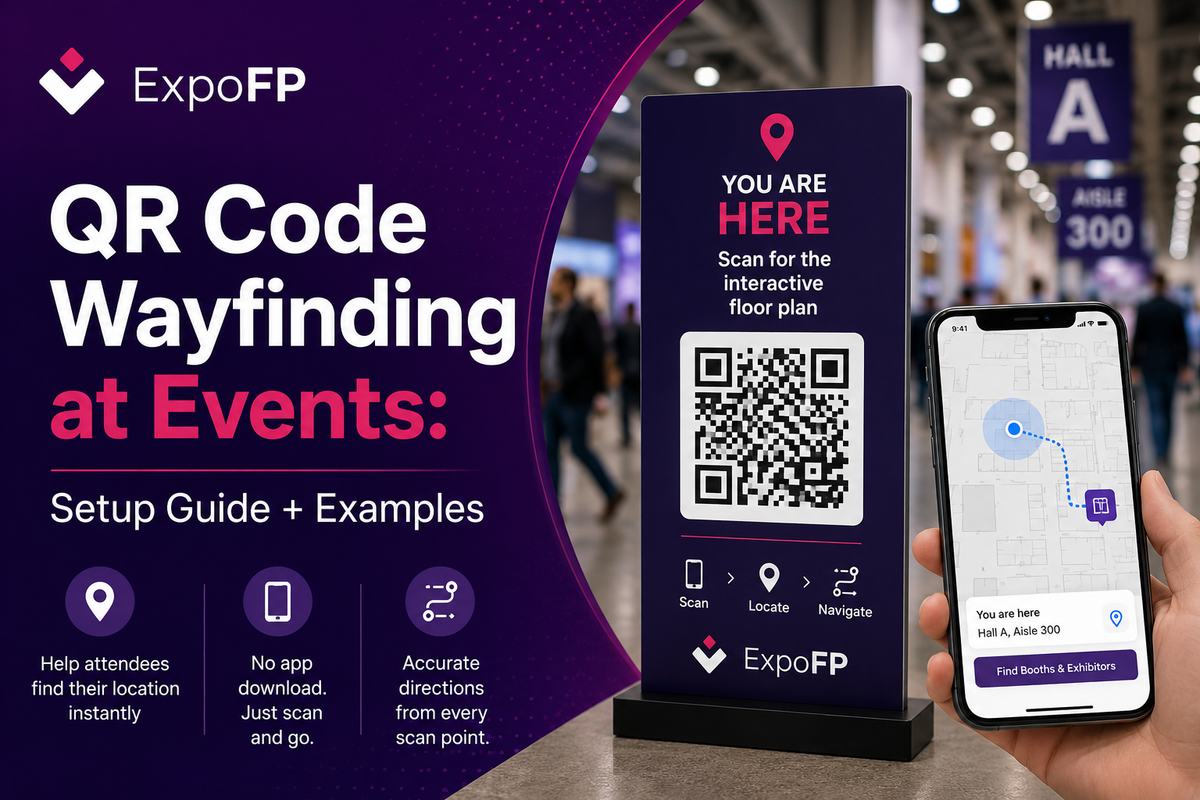
QR code wayfinding is a navigation method where printed codes placed at fixed points around a venue open your interactive floor plan already centred on that exact location. The attendee scans, the map loads with a “you are here” marker, and they get directions from where they’re actually standing — with no app to download and no positioning hardware to install. It is the cheapest reliable way to give attendees location awareness indoors, which is precisely where GPS stops working.
This guide covers how QR code wayfinding works, where to put the codes, the print and mounting specs that determine whether people can actually scan them, and a checklist to run before doors open.
How QR code wayfinding actually works
The mechanism is deliberately simple, which is why it holds up in a hall with 20,000 people and saturated Wi-Fi.
- You divide the venue into named points — Entrance A, Hall 5 aisle 300, Level 2 escalator landing, Registration North.
- Each point gets a unique URL that loads your floor plan with that point pre-selected as the origin.
- That URL is encoded into a QR code and printed on signage placed at the point.
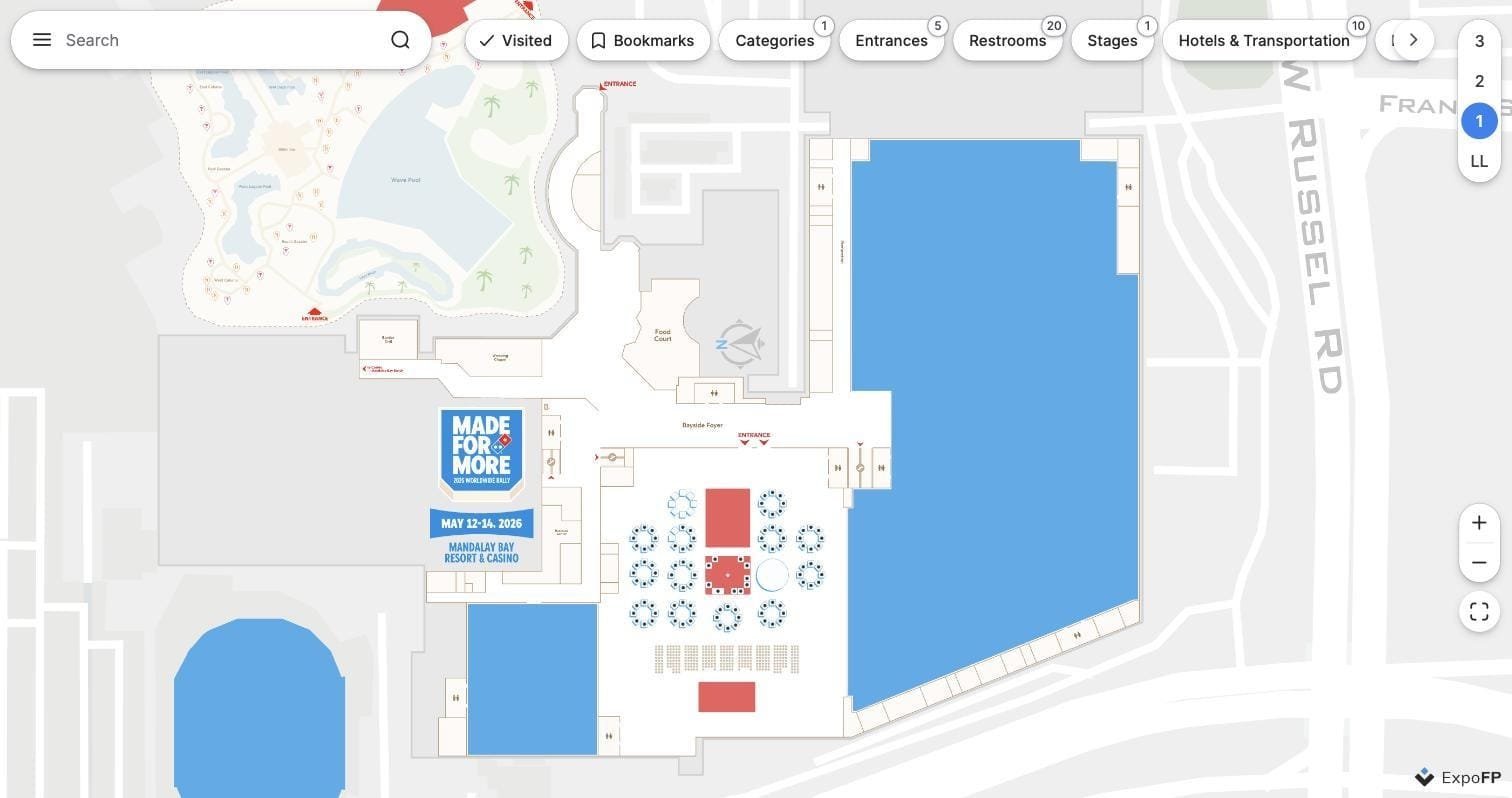
- An attendee scans with the native camera app. The plan opens in the mobile browser, zoomed to their position.
- They search for a booth, session room or restroom, and the plan draws a route from the scanned point.
The important property: position comes from the physical location of the sign, not from a sensor. Accuracy equals the accuracy of your sign placement. Nothing drifts, nothing needs calibration, and nothing depends on the attendee’s phone permissions.
For the wider context — signage hierarchy, staffing, information desks and how digital fits with print — see our complete guide to event wayfinding.
QR versus the alternatives, brieflyQR codes vs. other indoor navigation options
| Method | Indoor accuracy | Hardware needed | App required | Cost profile |
|---|---|---|---|---|
| QR “You Are Here” codes | Exact at each scan point | Printed signs only | No | Low, mostly printing |
| BLE beacons | Roughly 3–15 ft / 1–5 m | Beacons and maintenance | Usually | Medium to high |
| Wi-Fi positioning | Roughly 15–50 ft / 5–15 m | Existing access point infrastructure | Usually | Medium, venue-dependent |
| GPS | Unreliable indoors | None | No | Free, but limited indoors |
For most trade shows and conferences, QR code indoor navigation provides a simple and cost-effective way to help attendees find their location and navigate the venue. QR “You Are Here” codes provide an accurate location whenever an attendee scans a code, without requiring additional hardware or a dedicated app.
This approach works particularly well at key navigation points such as entrances, aisle intersections, elevators, and escalators. BLE beacons or Wi-Fi positioning may be more suitable when an event requires continuous indoor location tracking, while GPS is generally less reliable inside exhibition halls and large indoor venues.
Where to place the codes
Placement is the whole job. A code in the wrong place is ignored; a code at a decision point gets scanned repeatedly. Work through the venue as an attendee would.
A rough planning figure: budget one scan point per 5,000–10,000 sq ft (roughly 500–1,000 m²) of public circulation space, plus every entrance and level change regardless of area. Multi-venue and hotel-connected events need more, because the connections between buildings are where people give up.
Print and mounting specifications
Most QR wayfinding failures are physical, not digital. These are widely used industry rules of thumb rather than a standard — confirm final artwork with your print supplier and confirm mounting with the venue.
Accessibility note: placing at least some codes within a reach range of roughly 15–48 in / 380–1,220 mm from the floor keeps them usable for wheelchair users. Requirements vary by jurisdiction and venue — verify against your local accessibility code and the venue’s own signage rules before production.
Two more practical points. First, keep the destination URL short: fewer characters means fewer modules, a larger module size at the same physical dimensions, and a more forgiving scan. Second, always print human-readable instruction next to the code — “Scan for the interactive floor plan” plus the plan’s short URL — so people who won’t scan still have a route in.
Step-by-step setup
1. Set up wayfinding on your interactive floor plan. Before adding QR codes, make sure the floor plan and wayfinding are complete and working correctly. ExpoFP uses the wayfinding network to calculate routes from each “You Are Here” location to booths, exhibitors and other destinations.
2. Open the You Are Here settings. In the ExpoFP backend, go to Integration → You Are Here. Your floor plan needs an active subscription to generate and configure the QR codes.
3. Generate your QR codes. Enter the number of codes you need and click Generate. ExpoFP downloads them as a ZIP file. You can generate an unlimited number of codes, in batches of 10, and either print them directly or add them to your own branded “You Are Here” signage. Save the provided passcode, as you’ll use it when assigning locations.
4. Assign a location to each QR code. Download the ExpoFP You Are Here app and sign in using the passcode. For each code, select Set QR code location, scan the QR code, move the pin to the exact location where the sign will be placed, and save it.
5. Set locations before the event if needed. You don’t have to wait until you arrive at the venue. The QR codes can be generated and assigned to locations in advance by opening or printing each code, scanning it with the app, and placing its pin on the floor plan.
6. Install each code at its assigned location. At the venue, place every QR code exactly where its corresponding pin was positioned on the map. Because the codes can look very similar, keep track of which QR code belongs to each location during installation.
7. Test every You Are Here QR code on site. After installation, scan each code to confirm that it opens the correct location. Attendees should see their position on the floor plan as a blue dot and then be able to select a booth or search for an exhibitor to get directions.
8. Check the attendee experience in View Live. Use View Live from the ExpoFP Dashboard to verify the floor plan, wayfinding and navigation experience exactly as attendees will see it.
Measuring whether it worked
QR wayfinding gives you a data stream that print signage never will:
- Scans per point, which maps directly to where confusion concentrates
- Search terms after scanning, which tells you what attendees couldn’t find
- Routes requested by origin, useful for next edition’s layout decisions
- Scan timing, which reveals arrival peaks and session-change crushes
- Repeat scans at the same point, often a sign the sign is unclear rather than popular
Feed this back into layout. If the same aisle intersection generates a disproportionate share of scans year after year, the problem is the floor plan, and the fix belongs in the design — see 12 floor plan design best practices that drive traffic.
Common mistakes
- One code for the whole venue. A single generic code opens the plan with no origin, which throws away the entire benefit. Unique URLs per point or don’t bother.
- Codes only at the entrance. People get lost in the middle of the hall, not at the door.
- Gloss lamination under bright hall lighting. The most common physical failure by a wide margin.
- Codes below knee height or above eye level. Nobody crouches to scan a floor sticker in a crowd.
- A slow destination page. If the plan takes more than a couple of seconds on a congested mobile network, the scan is wasted. Lightweight, browser-based plans matter here; large native apps are the wrong destination for a cold scan.
- Requiring an app. The whole point of QR is zero install. Sending a scan to an app store page loses most of the audience.
- No print fallback. Some attendees will never scan anything. Keep directional print signage regardless.
- Not re-checking after load-in. Contractors move signage. Walk the venue again the morning of day one.
Large international shows have been layering QR-based navigation over printed signage for years — our look inside the IMEX Frankfurt 2026 interactive floor plan shows how digital navigation sits alongside the physical wayfinding system in a multi-hall venue. For an earlier practical write-up, see our notes on making wayfinding easier with “you are here” QR codes.
Pre-show checklist
- ☐ Interactive floor plan finalised, mobile-tested and fast on 4G
- ☐ Scan point list agreed with operations and marked on the plan
- ☐ Unique URL generated and tested for every point
- ☐ Sign artwork approved, with plain-text point name and short URL
- ☐ Matte finish confirmed with the printer
- ☐ Proof test-scanned under venue lighting on iOS and Android
- ☐ Install map issued to the crew, with mounting heights specified
- ☐ Venue approval obtained for all mounting locations
- ☐ Every installed sign photographed and logged
- ☐ Full walkthrough scan completed after load-in, before doors
- ☐ Staff briefed with a one-sentence explanation
- ☐ Analytics dashboard accessible during show days
- ☐ Contingency: printed directory and staffed information desks in place
FAQ
Do attendees need an app to use QR code wayfinding? No, and that’s the main advantage. Modern iOS and Android camera apps read QR codes natively, and the destination should be a mobile web floor plan that opens in the browser. Requiring an install defeats the purpose — a cold scan is a low-commitment action and most people will abandon it at an app store page.
How many QR codes does a typical trade show need? As a starting point, every public entrance, every hall doorway, both ends of every escalator or lift, every major aisle intersection, plus registration, catering and information desks. For a mid-sized single-hall show that is often 20–40 points; a large multi-hall or campus event can run into the hundreds. Plan by decision points rather than by floor area alone.
What size should the QR code be? Work from the 10:1 distance-to-width guideline. If people will scan from about 20 in / 50 cm, a 2 in / 50 mm code is fine. For a banner scanned from 6 ft / 2 m, you need roughly 8 in / 200 mm. Always leave a quiet zone of four modules around the code and use matte stock.
Does QR wayfinding work without internet access? The scan itself works offline, but the destination page needs connectivity unless your floor plan supports offline caching. On a congested show floor this matters — test on a throttled connection, keep the plan lightweight, and make sure a previously loaded plan still works if the network drops.
Can we track individual attendees through QR scans? Not by default, and you should be cautious about trying. Standard “you are here” codes are anonymous — you get scan counts per point, not identities. Tying scans to a badge ID means processing personal data, which brings consent and privacy obligations under GDPR and comparable regimes. Confirm the approach with your legal or data protection advisor before linking scans to individuals.
What about NFC tags instead of QR codes? NFC works well for close-range taps and needs no camera, but coverage and behaviour vary across phone models, and the tags cost more than print. Most organisers run QR as the primary method and add NFC selectively at high-traffic points such as information desks or kiosks.
Ready to build the map behind the codes? Create an interactive floor plan with “you are here” QR wayfinding, search and routing — mobile-first, no app required. Create your floor plan free.