
Event App vs Mobile Web Map: What Attendees Actually Use
Event apps have become a familiar part of conferences and trade shows. They bring schedules, networking tools, exhibitor information, and event updates into one place. But when attendees arrive at a venue and simply want to find a booth, meeting room, or session, downloading an app can add an unnecessary step.
A mobile web map offers a more direct approach. Attendees open an interactive floor plan through a QR code or link, without downloading an app or creating an account.
For event organizers, the choice between a native event app and a browser-based map depends on what attendees actually need. While event apps support networking and personalized experiences, web maps focus on accessibility, navigation, and finding exhibitors.
This article compares both approaches, including their features, costs, setup requirements, offline capabilities, and practical applications.
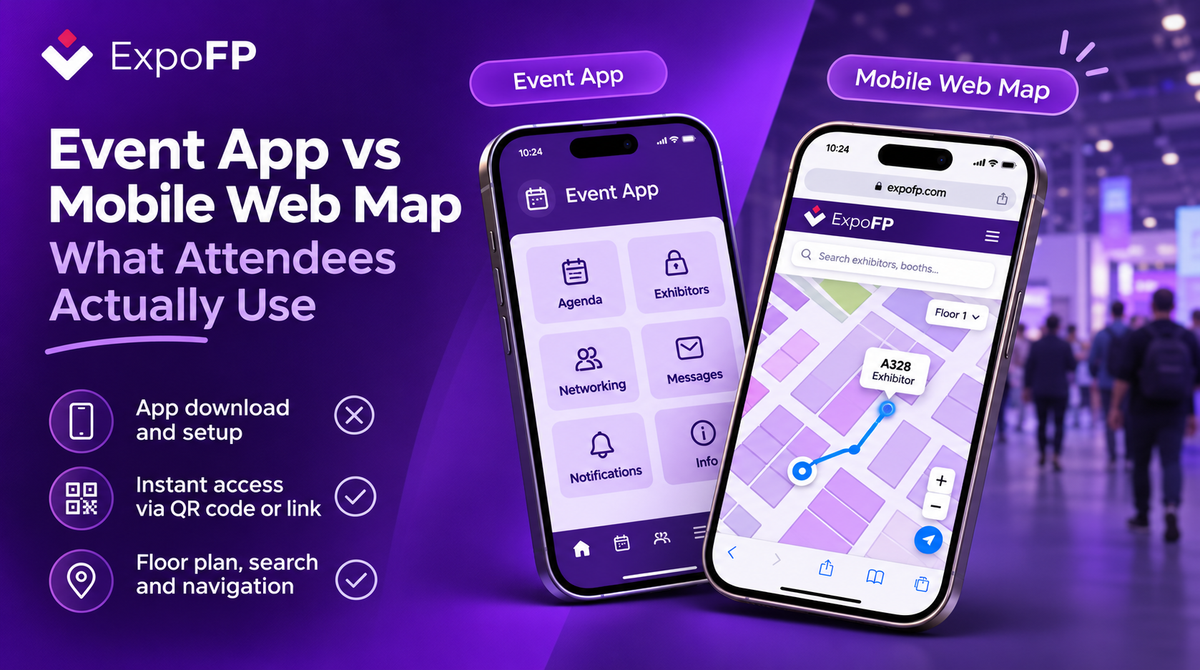
Example of an ExpoFP interactive floor plan displayed on a mobile device.
Event App vs Mobile Web Map: Key Differences
Both technologies can improve the attendee experience, but they serve different purposes.
| Feature | Native Event App | Mobile Web Map |
|---|---|---|
| Access | App download, sometimes login | QR code or direct link |
| First-time use | Installation and possible registration | Opens directly in a browser |
| Main features | Agendas, networking, messaging, notifications | Floor plans, exhibitor search, navigation, sessions |
| Event updates | Content synchronization or app updates | Updated content available when the map reloads |
| One-day visitors | May not justify installation | Easy access without installation |
| Returning attendees | Useful for recurring engagement | Accessible through the same link |
| Offline access | Available with supported caching | Available with supported offline functionality |
| Branding | Depends on provider and package | Customizable maps and sponsorship options |
| Setup | May require extensive configuration | Primarily focused on floor plan and event data |
These differences are general. Specific capabilities depend on the provider, subscription, and event requirements.
Why Some Attendees Avoid Downloading Event Apps
Event apps offer useful features, particularly for conferences with multiple sessions and networking opportunities. However, installing an application introduces additional steps before attendees can access event information.
Several factors can discourage downloads.
Storage and connectivity. Visitors may have limited phone storage or mobile data, particularly when attending international events.
Account registration. Some applications require attendees to create accounts, verify email addresses, or complete profiles before accessing information.
App store access. Finding and installing the correct application takes additional time, especially when several events have similar names.
Limited use. Visitors attending a trade show for only a few hours may not want to install an application they will rarely use again.
These challenges do not make native apps ineffective. They highlight the importance of providing alternative ways to access essential event information.
For attendees who simply want to locate an exhibitor or find their way around a venue, a browser-based map can remove several unnecessary steps.
Where Mobile Web Maps Work Best
A mobile web map focuses on making event information accessible from any supported browser.
Instead of installing software, attendees can scan a QR code, follow a shared link, or open the floor plan directly from the event website.
1. Navigation for First-Time Visitors
Large exhibition venues can be difficult to navigate, particularly for attendees unfamiliar with the layout.
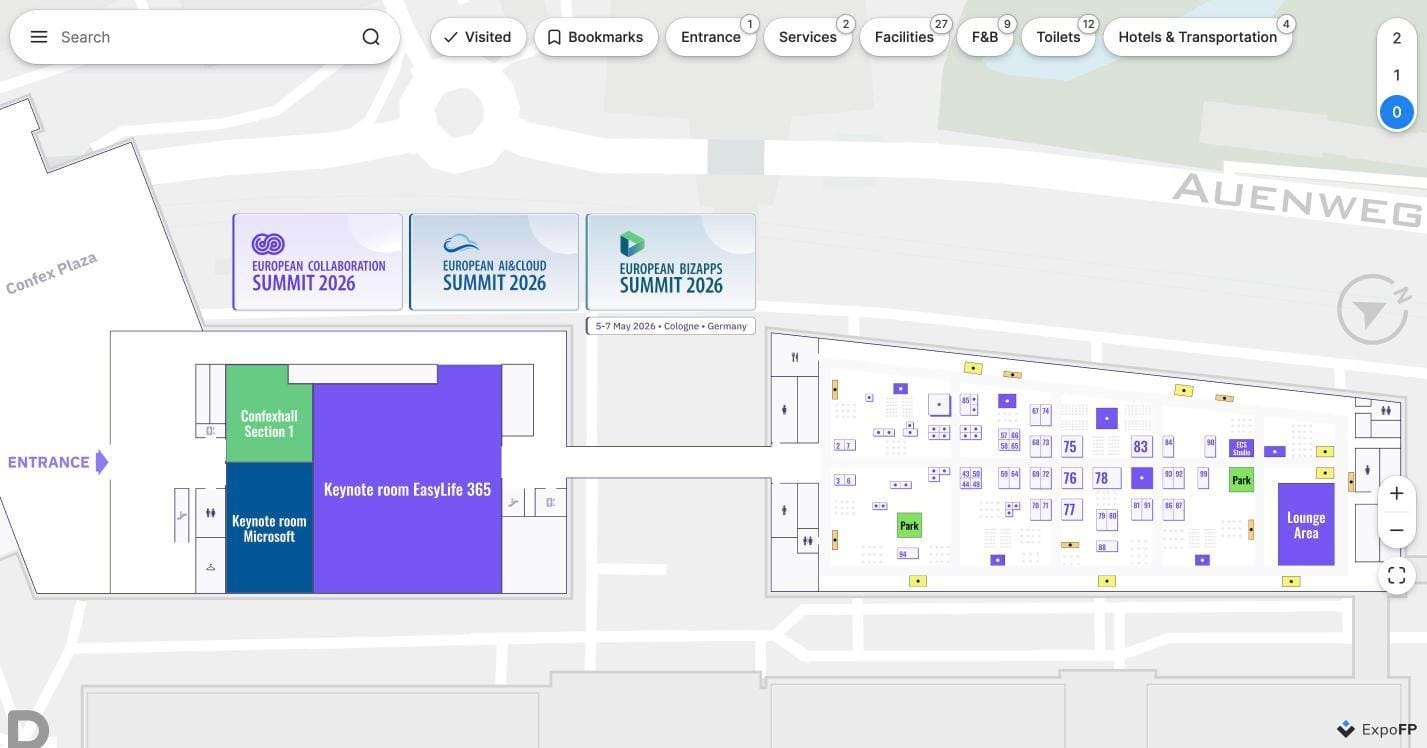
An interactive floor plan allows visitors to search for exhibitors, locate facilities, switch between floors, and follow available navigation routes.
Organizers can place QR codes at entrances, registration desks, printed signage, and other high-traffic areas to provide immediate access.
For practical placement recommendations, see our guide to QR code wayfinding at events.
2. Easier Exhibitor Discovery
Exhibitors benefit when attendees can find their locations without additional barriers.
With a browser-based map, organizers and exhibitors can share direct links to the interactive floor plan. Depending on the map configuration, links can direct visitors to specific exhibitor locations.
These links can be included in emails, event websites, and promotional materials.
3. Faster Access to Updated Information
Event layouts often change before opening day.
Booths may be reassigned, exhibitor information updated, or session locations changed.
With a web-based floor plan, published changes can be made available without requiring attendees to download a new application version.
This helps organizers keep navigation information current throughout the event.
When a Native Event App Makes More Sense
Although mobile web maps simplify navigation, native event apps provide additional functionality that can be valuable for certain events.
For conferences with extensive educational programs, networking activities, and recurring attendees, an event app may serve as a central communication platform.
Common advantages include:
- Personalized agendas: Attendees can organize sessions, save activities, and receive reminders.
- Networking: Participant profiles, direct messaging, matchmaking, and meeting requests support professional connections.
- Push notifications: Organizers can communicate important updates directly to attendees who have enabled notifications.
- Device integrations: Some applications support digital badges, wallet integration, and other mobile features.
- Long-term engagement: Organizations hosting recurring events can maintain communication with attendees between editions.
For events where networking and programming are central to the experience, these capabilities can justify the additional setup and installation requirements.
However, organizers do not necessarily have to choose between an event app and an interactive web map.
Offline Navigation and Venue Connectivity
Reliable connectivity is an important consideration when selecting event technology.
Exhibition halls, convention centers, and underground venues can experience limited mobile coverage, particularly when thousands of attendees are using the network simultaneously.
Native applications may support offline access through locally stored content. Browser-based maps can also offer offline functionality when supported and properly configured.
ExpoFP provides offline access and preloading options for supported configurations, including integration through its mobile SDK.
Organizers planning to use offline navigation can review our article on offline mode for interactive floor plans.
It is also worth testing navigation inside the actual venue before the event begins.
For more information about indoor positioning technologies, see Indoor Navigation for Events: GPS, BLE and QR Compared.
Comparing Costs and Setup Requirements
The cost of an event app or mobile web map depends on the provider, number of attendees, available features, and implementation requirements.
Instead of comparing subscription prices alone, organizers can evaluate the total effort involved in setting up and maintaining each platform.
Pricing Structure
Some providers charge per event, while others use annual subscriptions or pricing based on attendees, exhibitors, or additional features.
Setup and Maintenance
Event apps may require configuration of agendas, profiles, messaging tools, and other content.
A mobile web map primarily requires a floor layout, exhibitor information, and the relevant navigation settings.
Last-Minute Changes
Organizers can consider how quickly each platform supports changes to exhibitors, booth assignments, and event information.
Analytics and Reporting
Both technologies may provide engagement data, but the available metrics vary.
For interactive maps, useful information can include map views, searches, exhibitor engagement, and other navigation-related activity.
Integration Options
Event technology often needs to connect with registration systems, exhibitor databases, and existing event management platforms.
Our event technology integration guide explains how interactive floor plans can connect with other systems.
Using an Event App and Mobile Web Map Together
For many organizers, the most practical approach is to use both technologies.
An event app can manage networking, schedules, and attendee communication, while an interactive floor plan provides navigation and exhibitor discovery.
The map can be accessed directly through a browser or integrated into the event application.
ExpoFP supports browser-based access and mobile app integration through its SDK for Android and iOS.
This allows organizers to provide a consistent navigation experience across different access points.
Attendees using the event app can open the map from within the application, while visitors who prefer not to download anything can access the same floor plan through a QR code or link.
This approach is particularly useful for events that combine extensive conference programming with large exhibition areas.
For a broader look at how these tools work together, read our event management software stack guide.
You can also explore our comparison of 18 floor plan and event technology platforms.
How to Choose the Right Option for Your Event
The best approach depends on the event format, audience, and the information attendees need most.
Before selecting a platform, consider five questions:
1. Who attends your event?
Events with large numbers of first-time or one-day visitors may benefit from browser-based navigation. Recurring conferences may gain more value from a dedicated app.
2. What do attendees need to accomplish?
If the priority is finding booths, exhibitors, facilities, and sessions, an interactive floor plan may be sufficient.
If networking, messaging, and personalized agendas are essential, an event app provides additional tools.
3. How frequently does event information change?
Events with frequent layout updates can benefit from a web-based map that makes published changes available without an app update.
4. How reliable is venue connectivity?
Consider offline functionality and test the selected technology in the exhibition halls before opening day.
5. How will attendees access the information?
QR codes, event websites, email links, and exhibitor promotions can make a browser-based map accessible through several channels.
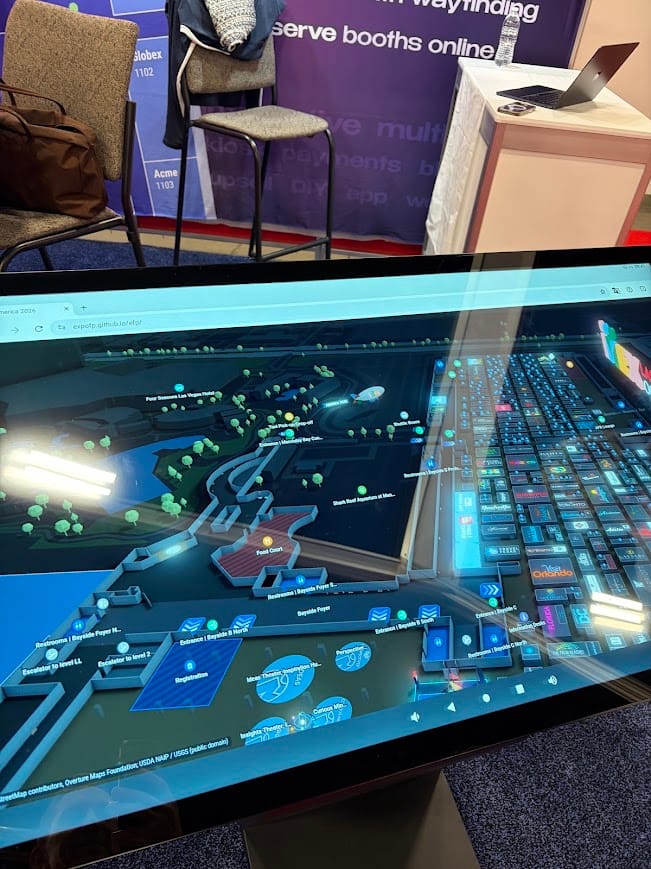
For attendees who prefer not to use their phones, interactive kiosks can provide another navigation option.
Learn more about interactive floor plans on kiosks.
Frequently Asked Questions
Is a mobile web map the same as a progressive web app (PWA)?
Not necessarily. A mobile web map is an interactive map accessed through a browser. A progressive web app can provide additional capabilities, such as installation shortcuts and offline caching. Available features depend on the implementation.
Do attendees prefer event apps or mobile web maps?
There is no universal preference. Attendees may prefer quick browser access for navigation while using an event app for networking, schedules, and personalized features.
Can I use an event app and an interactive web map together?
Yes. Organizers can link an interactive floor plan from an event app or integrate it using supported technologies. The same map can remain accessible through a browser.
Can a mobile web map work without internet access?
Some mobile web maps support offline access or preloading. Organizers can confirm the available functionality with their provider and test it before the event.
What should I include in a QR code for event navigation?
The QR code can direct attendees to the interactive floor plan. Place it near entrances, registration areas, and directional signage, with a clear label such as "Explore the Event Map."
Make Event Navigation Easier with ExpoFP
Event apps and mobile web maps serve different purposes, and many events benefit from using both.
For organizers focused on helping attendees find exhibitors, navigate venues, and access event information quickly, a browser-based interactive floor plan offers a practical option without requiring another download.
ExpoFP provides interactive floor plans with exhibitor search, navigation routes, session information, and mobile-friendly access. Maps can be opened directly in a browser or integrated into an existing event application.
Explore the ExpoFP demo floor plan, learn more about the attendee map, or create your floor plan.